Why Visual Performance Matters: Foundations for Occupational Therapy Practice — participation guide
3 contact hours · 0.3 AOTA CEUs · Module 5 — follow along, take notes, and complete the reflection prompts.
Module 5
The Low-Vision Service Model
Anchor concept
Adaptation is intervention. You do not wait for the eye exam to make the task usable.
Follow along
What this module covers
- Two categories of clients drive two different plans
- Lighting is a modifiable variable, not a fixed constraint
- Low vision: what OT addresses, and when OT refers
- Organization, mobility, and multisensory support
Key ideas
Capture these as you listen
- The low-vision model has four levels: increase visibility, enhance with magnification, augment with another channel, substitute with another channel.
- Environmental modifications (lighting, glare, contrast, size, typeface, seating) are core OT interventions.
- Modifications must be selected for a specific occupation and goal, not applied generically.
- OTs do not diagnose low vision or prescribe optical devices; we partner with eye care providers and document functional outcomes.
Notes
My notes for this module
Reference figures
Keep these for practice
What those contrast values actually look like
Circle the word that names the picture.
~90% contrast — Black on white — target for worksheets and labels.
Circle the word that names the picture.
~70% contrast — Typical newspaper / textbook print.
Circle the word that names the picture.
~40% contrast — Faded photocopy — many classroom handouts land here.
Circle the word that names the picture.
~10% contrast — Low-contrast worksheet; effectively inaccessible.
Circle the word that names the picture.
Reverse contrast — white on dark; often preferred with glare or photophobia.
Circle the word that names the picture.
Tinted background — trial it; keep it only if performance measurably improves.
Magnification options, side by side
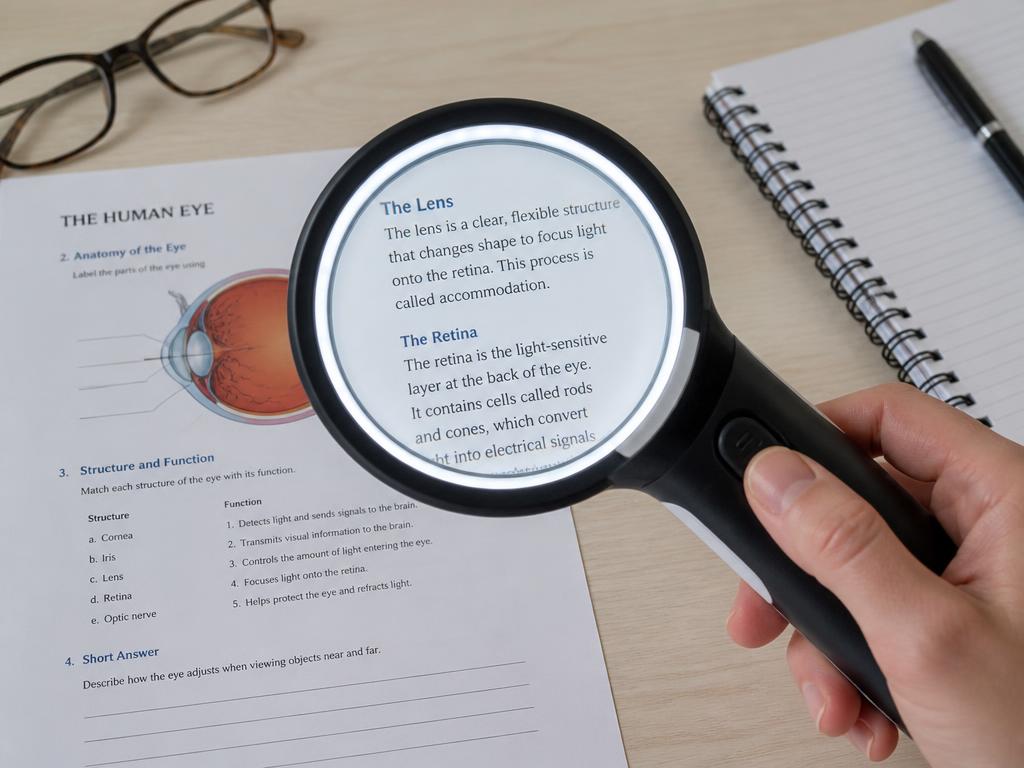

Handheld magnifier
Short spot tasks: price tags, labels, a single line of text.
Portable and cheap; requires a steady hand and short focal distance.
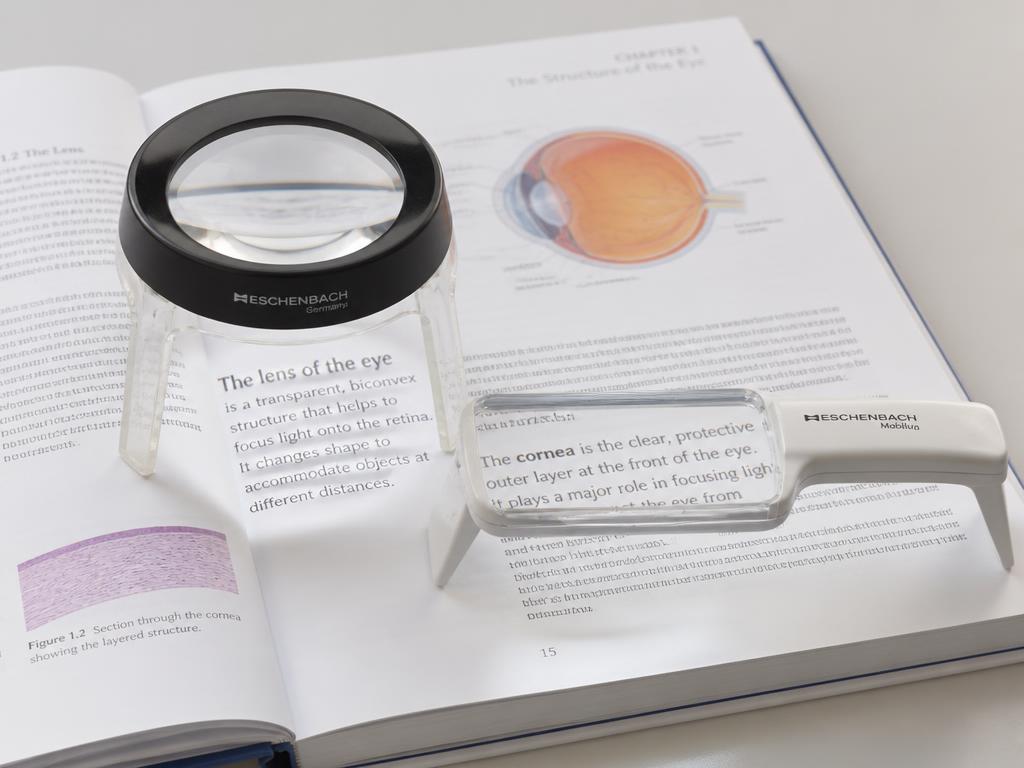
Stand magnifier
Sustained near work for students with tremor or poor motor control.
Fixed focal distance holds the lens steady; less portable, needs desk space.
Hands-free / spectacle
Writing and bimanual tasks where both hands must stay free.
Prescribed by the eye care team; very short working distance at high power.
Telescope (mono/binocular)
Distance targets: the board, signage, a demonstration across the room.
Spot use only — narrow field, not for travel or continuous viewing.
Electronic / video magnifier (CCTV)
Long reading and writing sessions; textbooks, worksheets, science labs.
Adds adjustable magnification, reverse contrast, and speech; cost and setup.
Built-in digital magnification
Phone/tablet zoom, text enlargement, VoiceOver, screen readers.
Already in the student’s hands and free; teach it before purchasing hardware.
Where low vision sits in the framework
Module 1 — Vision as a gateway system
Frames the whole system; every level is introduced.
Module 2 — Visual pathways (ventral / dorsal)
Magnocellular/dorsal work shows at Level 2 efficiency; parvocellular/ventral identification is Level 3 processing.
Module 3 — Underlying Conditions vs. Functional Limitations
Ocular and neurological conditions act on the sensory foundation and on binocular efficiency; OT treats the functional limitation, not the diagnosis.
Module 4 — Comorbidity patterns
Autism, ADHD, dyslexia, dysgraphia signatures appear as processing and visual-motor integration performance.
Module 5 — Low-vision service model
Low vision is a Level 1 sensory-foundation problem. Contrast, lighting, and magnification restore access at the floor; the Level 5 change is the downstream result, not the target.
Module 6 — Where this goes next
Functional integration is where all findings resolve into a plan of care.
Apply it
Case prompt
A high school student with albinism needs to read a textbook and navigate the hallway. Name one modification for each of the four low-vision levels for each goal.
Practice
Mini exercise
Choose one low-vision level and write a one-sentence accommodation for a student in your caseload or a hypothetical case.
Take it to work
Action step this week
Walk through one classroom in your building and list three environmental changes that would increase visibility for a student with reduced acuity or contrast sensitivity.